
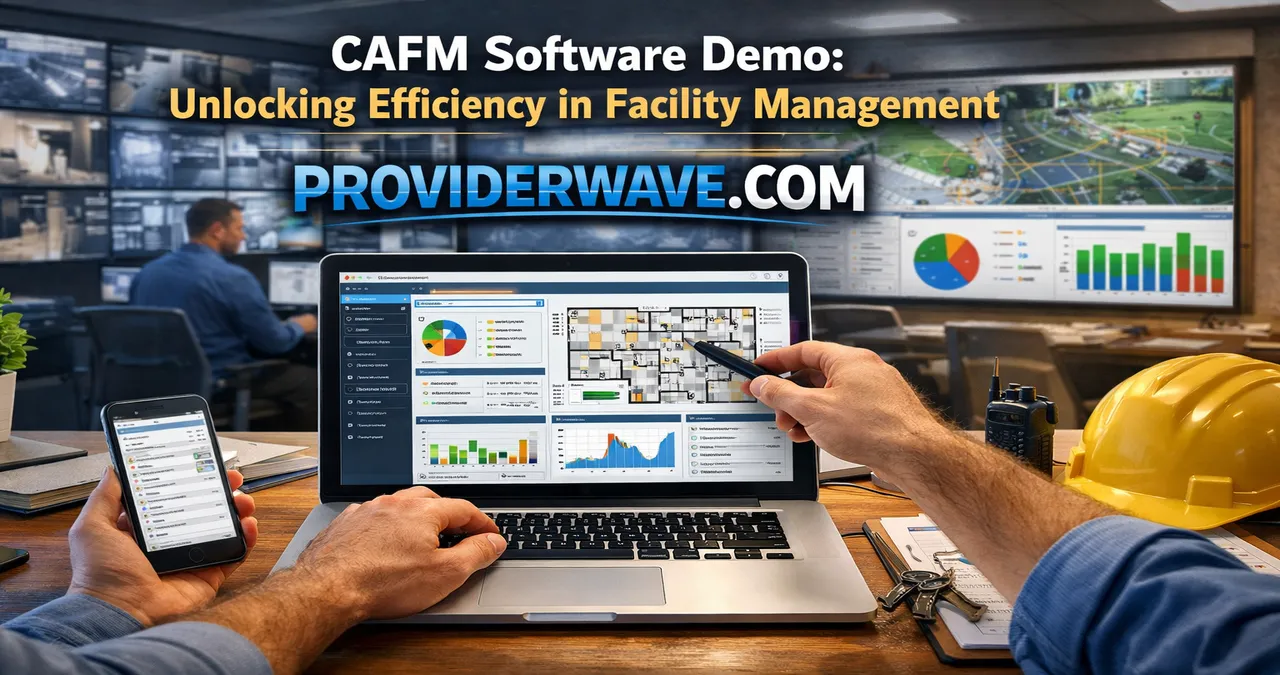
Experience the power of CAFM software demo to streamline facility management, improve operations, and boost efficiency with hands-on insights and expert tips.
Understanding CAFM Software
Computer-Aided Facility Management (CAFM) software is designed to simplify and optimize the management of buildings, assets, and related services. It serves as a digital hub where facility managers can track maintenance schedules, allocate resources, and monitor operational performance. With a CAFM software demo, businesses can explore these features firsthand, making it easier to understand the software’s true potential.
The value of CAFM software lies in its ability to centralize complex data. From space planning and equipment management to energy consumption tracking, CAFM systems offer a comprehensive view of facility operations. For organizations managing multiple sites or large infrastructures, a demo allows decision-makers to evaluate how the software can adapt to their specific needs and workflows. It’s not just about the features; it’s about seeing them in action and understanding how they fit into daily operations.
Why a CAFM Software Demo Matters
Trying a CAFM software demo is like test-driving a high-end vehicle—you want to experience the controls, the feel, and the performance before committing. Many businesses invest heavily in facility management solutions without fully understanding how they integrate into their existing processes. A demo bridges this gap by providing hands-on exposure.
A good demo highlights real-world scenarios, such as automated work order generation or preventive maintenance alerts. Users can navigate the interface, test reporting capabilities, and simulate resource allocation. This interactive experience often uncovers opportunities to improve efficiency that might not be evident from brochures or sales pitches. In short, a demo can reveal whether a solution is genuinely suitable for your facility management needs.
Key Features You Can Explore in a CAFM Software Demo
When participating in a CAFM software demo, there are several features that stand out for facility managers:
- Work Order Management: See how the system schedules, tracks, and prioritizes maintenance tasks to reduce downtime.
- Asset Tracking: Explore tools that monitor equipment lifecycle, location, and performance.
- Space Management: Visualize layouts, optimize occupancy, and track space utilization.
- Reporting & Analytics: Understand how dashboards and reports provide insights into operational efficiency.
Each of these features can be tested in a demo environment, allowing users to experience how intuitive and practical the software truly is. Many platforms also provide customization options during demos, which can help organizations assess whether the software adapts to their workflows rather than forcing rigid processes.
How to Make the Most of Your CAFM Software Demo
To get maximum value from a CAFM software demo, preparation is key. Start by identifying your specific facility management challenges and goals. Are you looking to reduce maintenance costs, improve space utilization, or streamline vendor management? Having clear objectives ensures you focus on the features that matter most during the demo.
During the demo, engage actively with the presenter or support team. Ask questions about automation capabilities, integration with existing systems, and mobile accessibility. Take notes on ease of use, navigation, and reporting features. Remember, the demo is not just a preview—it’s an opportunity to envision how the software fits into your operational workflow and long-term strategy.
Benefits of Using CAFM Software
Using CAFM software can transform how organizations manage their facilities. Here are some of the top benefits:
- Increased Efficiency: Automating routine tasks like scheduling maintenance and generating reports saves time.
- Cost Reduction: By tracking assets and maintenance, businesses can reduce unnecessary expenditures.
- Data-Driven Decisions: Access to real-time data helps facility managers make informed operational decisions.
- Improved Compliance: CAFM software ensures regulatory requirements are met with accurate documentation.
These benefits are best appreciated during a live demo, where the practical application of each feature becomes evident. Seeing the software in action often highlights efficiencies that may be difficult to identify on paper.
Comparing CAFM Solutions Through Demos
Not all CAFM software solutions are created equal. A demo allows for direct comparison between platforms. Consider creating a simple comparison table like this during your evaluation:
| Feature | Software A | Software B | Software C |
|---|---|---|---|
| Work Order Management | ✔ | ✔ | ✔ |
| Asset Tracking | ✔ | ✔ | ✖ |
| Space Planning | ✔ | ✖ | ✔ |
| Reporting & Analytics | ✔ | ✔ | ✔ |
| Mobile Access | ✔ | ✖ | ✔ |
This table can help highlight which software aligns best with your organization’s needs. A demo allows you to verify these features in real scenarios, giving you a clear advantage in decision-making.
Common Challenges Addressed by CAFM Software
Facility managers face many challenges, including inefficient maintenance tracking, underutilized spaces, and fragmented data systems. CAFM software addresses these issues by centralizing information, streamlining workflows, and providing actionable insights.
For example, manual maintenance logs often result in missed tasks or delayed responses. A CAFM system automates these processes, sends alerts, and maintains a history for compliance and analysis. Similarly, space management features help organizations optimize their layouts, improving both employee experience and operational efficiency. Experiencing these solutions firsthand in a demo demonstrates their practical value beyond theory.
Tips for Choosing the Right CAFM Software
Choosing the right CAFM software requires careful consideration:
- Evaluate Needs First: Identify pain points and prioritize features accordingly.
- Consider Integration: Ensure the software works seamlessly with existing systems.
- Test Usability: A demo lets you check if the interface is intuitive and user-friendly.
- Check Support and Training: Good software comes with reliable customer support and training resources.
By following these tips and leveraging the insights gained from a CAFM software demo, organizations can make informed decisions that enhance facility management processes.
FAQS About CAFM Software Demo
Q: What is a CAFM software demo?
A: A CAFM software demo is a live or recorded session where potential users explore the software’s features in real-time. It allows them to understand functionality, usability, and integration capabilities before making a purchase.
Q: How long does a typical CAFM demo last?
A: Demos usually last between thirty minutes to an hour, depending on the complexity of the software and the depth of features being explored.
Q: Can a demo help reduce software implementation risks?
A: Absolutely. A demo allows organizations to identify potential issues, test workflows, and ensure the software meets their operational requirements, reducing implementation risks.
Q: Do I need technical knowledge to participate in a CAFM demo?
A: Not necessarily. Demos are designed to be user-friendly, allowing facility managers and decision-makers to explore features without advanced technical knowledge.
Q: Are CAFM demos interactive?
A: Yes. Most demos are interactive, allowing participants to test features, ask questions, and simulate real-world scenarios.
Conclusion
Experiencing a CAFM software demo is the most effective way to understand its capabilities and benefits. From enhancing operational efficiency to enabling data-driven decisions, a demo provides hands-on insight into how facility management can be transformed. By preparing questions, identifying needs, and actively engaging with the software, organizations can make informed choices that optimize their facilities and improve overall productivity.